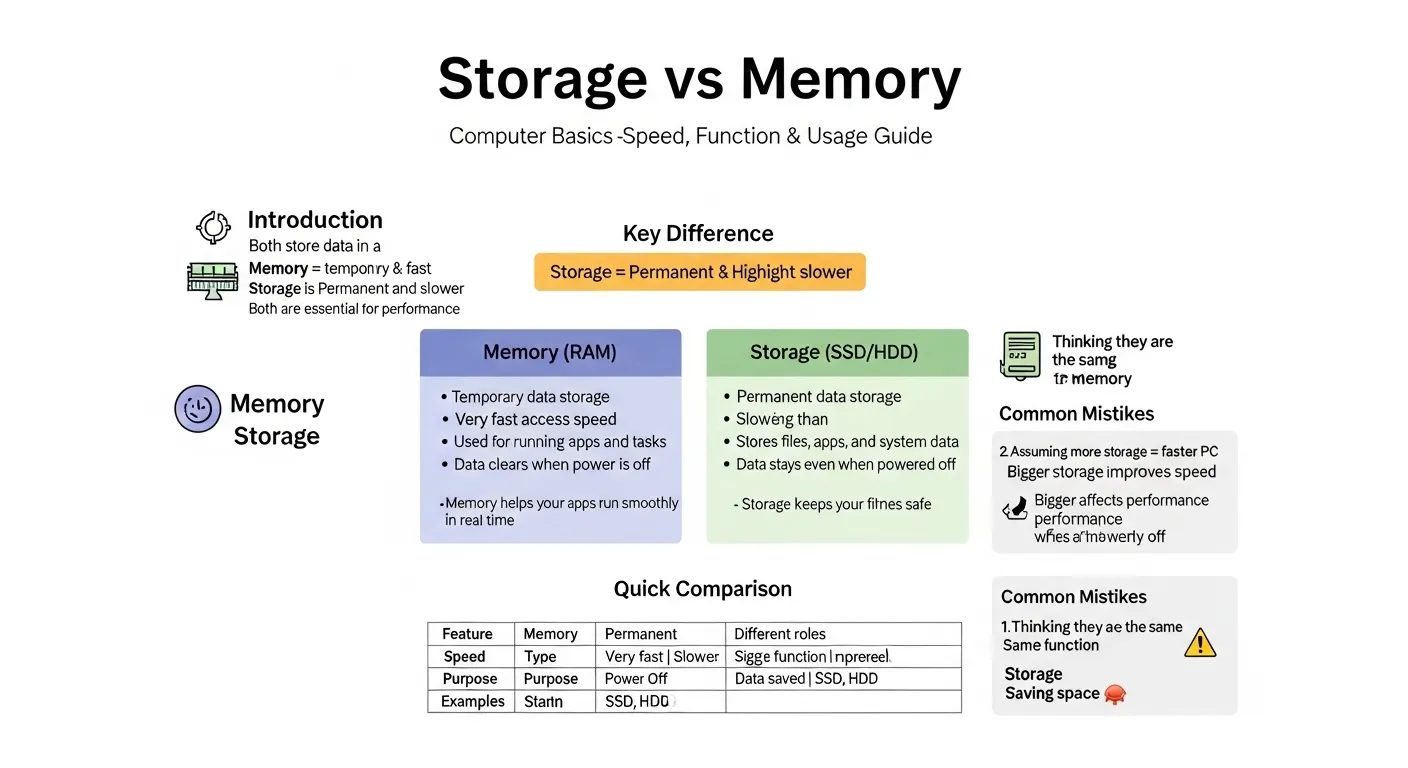
Many users get confused about the difference between storage and memory when buying a phone, laptop, or computer.
You often see terms like “8GB RAM” and “256GB storage” on devices, but what do they actually mean?
In simple words, the difference between storage and memory is that memory (RAM) is temporary and fast, while storage is permanent and keeps your data saved even when the device is off. Both are essential, but they serve completely different purposes.
If you’ve ever searched “what is RAM vs storage?”, “why is my phone slow even with high storage?”, or “how much memory do I need?”, this guide will explain everything clearly with real examples and expert insight.
🟢 Quick Answer: Difference Between Storage and Memory
- Memory (RAM) → Temporary workspace for running apps
- Storage → Permanent space for saving files
👉 Example:
Opening YouTube uses memory (RAM), but saving a video uses storage.
🟢 Definition of Storage and Memory
- Memory (RAM): A fast, temporary space where your device runs apps and processes tasks. Data is lost when the device turns off.
- Storage: A permanent space where your files, apps, photos, and videos are saved long-term.
🟢 Pronunciation
- Memory: /ˈmɛm.ər.i/
- Storage: /ˈstɔːr.ɪdʒ/
👉 Now let’s go deeper and understand how these two work together.
🟢 Comparison Table: Storage vs Memory
| Feature | Memory (RAM) | Storage | Similarity |
| Purpose | Run apps | Save data | Part of device |
| Speed | Very fast | Slower than RAM | Improves performance |
| Data Retention | Temporary | Permanent | Stores information |
| Example | App usage | Photos, videos | Digital data |
| Capacity | Smaller (GBs) | Larger (GBs–TBs) | Measured in GB |
| Power Off | Data lost | Data stays | Essential components |
🟢 Key Differences Explained Between Storage and Memory
1. Temporary vs Permanent
- Memory holds data only while the device is running
- Storage keeps data even after shutdown
👉 Example: Editing a document uses RAM; saving it uses storage
2. Speed Difference
- RAM is extremely fast
- Storage (like SSD) is slower but improving
👉 That’s why apps open quickly with more RAM
3. Function in Device
- RAM = working space
- Storage = digital warehouse
4. Size and Capacity
- RAM is smaller (4GB, 8GB, 16GB)
- Storage is larger (128GB, 512GB, 1TB)
5. Impact on Performance
- More RAM → smoother multitasking
- More storage → more space for files
6. Real-Life Usage
- Gaming → needs high RAM
- Saving movies → needs high storage
🟢 Why This Difference Exists
The difference between storage and memory exists because devices need two separate systems:
- One for processing tasks quickly (RAM)
- One for saving data permanently (storage)
This design improves speed and efficiency.
🟢 How Memory (RAM) Works
Memory (RAM) acts like a workspace. When you open apps like Instagram or Facebook:
- Data is loaded into RAM
- The CPU processes it quickly
- Once closed, data is cleared
👉 More RAM = better multitasking
🟢 How Storage Works
Storage acts like a hard drive or digital locker:
- Saves apps, photos, videos
- Keeps files permanently
- Includes types like SSD and HDD
👉 More storage = more space for content
🟢 Difference and Similarity Table
| Feature | Memory (RAM) | Storage | Similarity |
| Role | Active processing | Long-term saving | Both handle data |
| Speed | Ultra-fast | Moderate | Improve user experience |
| Data Type | Temporary | Permanent | Digital content |
| Usage | Running apps | Saving apps/files | Device functionality |
| Upgrade | Limited in phones | Expandable (sometimes) | Measured in GB |
This table clearly shows the difference and similarity between storage and memory for quick understanding.
🟢 Common Mistakes with Storage and Memory
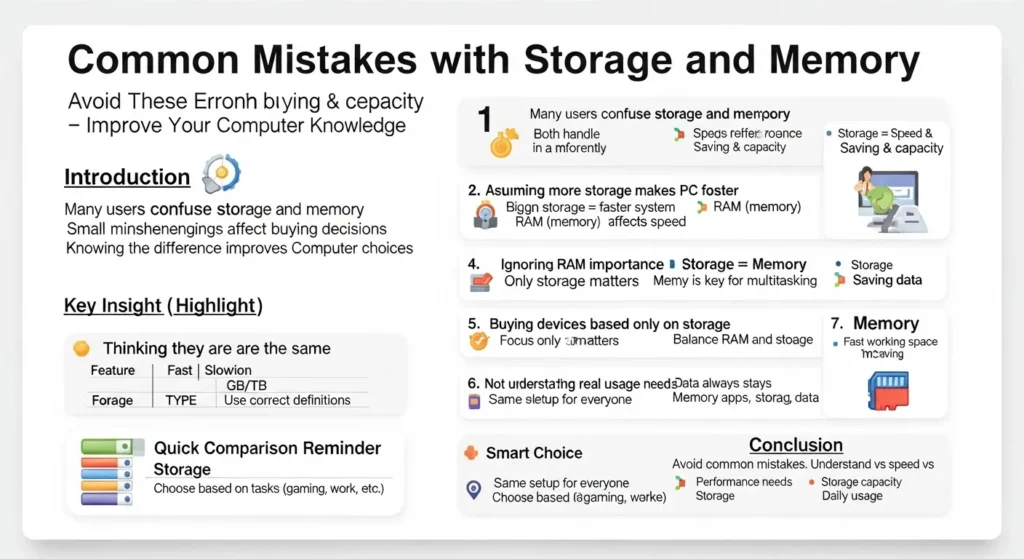
❌ 1. Thinking they are the same
✔ They serve completely different roles
❌ 2. Buying only high storage
✔ Low RAM can still make device slow
❌ 3. Ignoring RAM needs
✔ Multitasking requires enough memory
❌ 4. Confusing GB meaning
✔ RAM and storage both use GB but differ in function
❌ 5. Expecting storage to improve speed
✔ Only RAM improves performance directly
🟢 Real-Life Examples
Smartphone Use
- Opening apps → RAM
- Saving photos → Storage
Laptop Use
- Running browser tabs → RAM
- Saving documents → Storage
Gaming
- Game performance → RAM
- Game installation → Storage
🟢 When to Use Each
Choose more RAM when:
- You multitask a lot
- You use heavy apps or games
- You want smooth performance
Choose more Storage when:
- You save lots of videos/photos
- You install many apps/games
- You need long-term data space
🟢 Why People Get Confused
The confusion in the difference between storage and memory happens because:
- Both are measured in GB
- Both relate to device performance
- Marketing terms mix them together
- Beginners don’t know technical roles
🟢 How Search Engines Understand This Topic
Search engines like Google treat this as a tech comparison query.
They rank content that includes:
- Clear definitions
- Tables and examples
- Beginner-friendly explanations
- Real-world use cases
🟢 Expert Insight
In real-world tech usage, RAM and storage must be balanced.
- Too little RAM → lag
- Too little storage → no space
👉 Ideal setup depends on your usage:
- Basic users → 4–8GB RAM
- Power users → 8–16GB RAM
Storage depends on data needs.
🟢 FAQ:
1. What is the main difference between storage and memory?
Memory is temporary; storage is permanent.
2. Which is more important?
Both are important for different reasons.
3. Does more RAM make device faster?
Yes, especially for multitasking.
4. Can storage affect speed?
Only slightly; RAM has bigger impact.
5. Is 8GB RAM enough?
Yes for most users in 2026.
6. Can I upgrade both?
Depends on device; PCs allow upgrades more than phones.
🟢 Conclusion
Understanding the difference between storage and memory is essential when choosing any digital device. Memory (RAM) controls how fast your device runs, while storage determines how much data you can keep.
Both work together to deliver a smooth experience. If you want speed, focus on RAM. If you need space, focus on storage. The best choice is always a balanced combination of both.
Once you understand this clearly, you’ll never feel confused when buying a phone or computer again.
Discover More Articals!
Difference Between HashMap and Hashtable:In 30 Seconds
Difference Between MS and MBA: Degree and Study Guide

James Whitmore. Labdiff.com is my english grammar comparision website. I explore the history and evolution of English words. I write detailed comparisons explaining why spellings change over time and how British and American English diverged. My articles add depth and credibility to grammar comparison topics.